From creating a free account to getting automatic service reminders — a complete walkthrough of every feature in GearLog.
Six steps to full control over your bike.
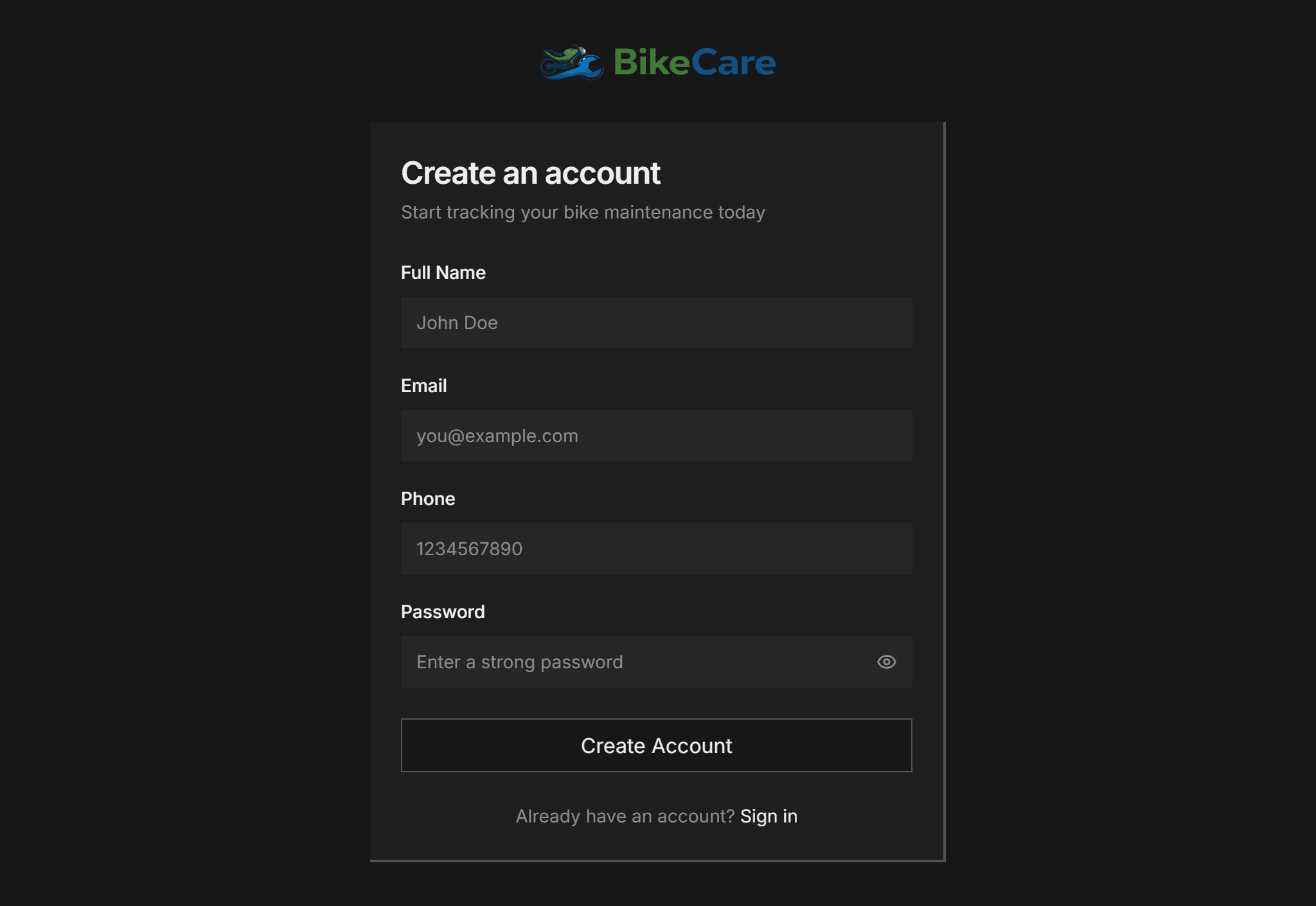
Sign up with your name, email, and phone. Verify your email and you're in. Takes under 60 seconds.
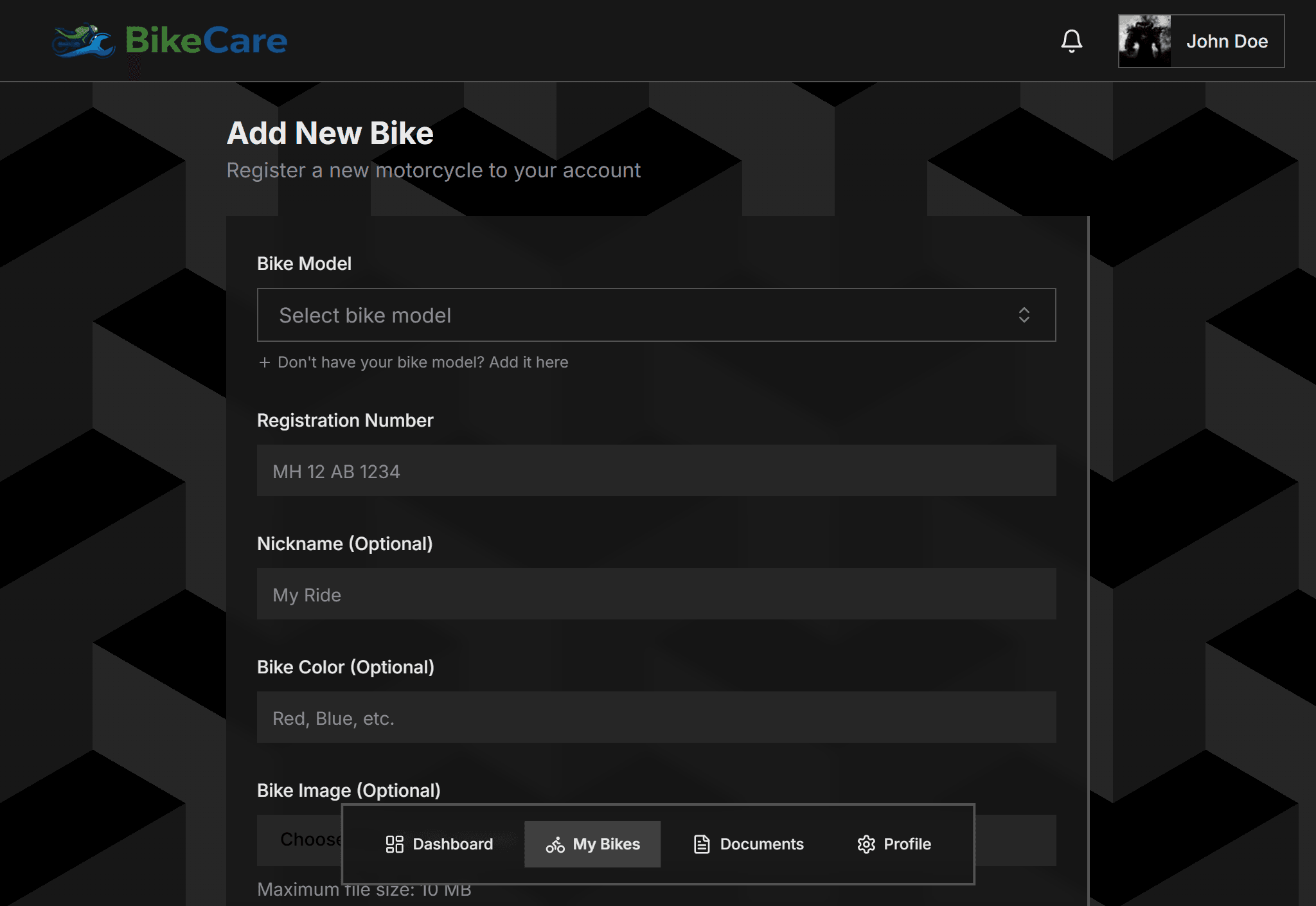
Search from a catalog of verified motorcycle and scooter models. Enter your registration number, current odometer reading, and an optional nickname.
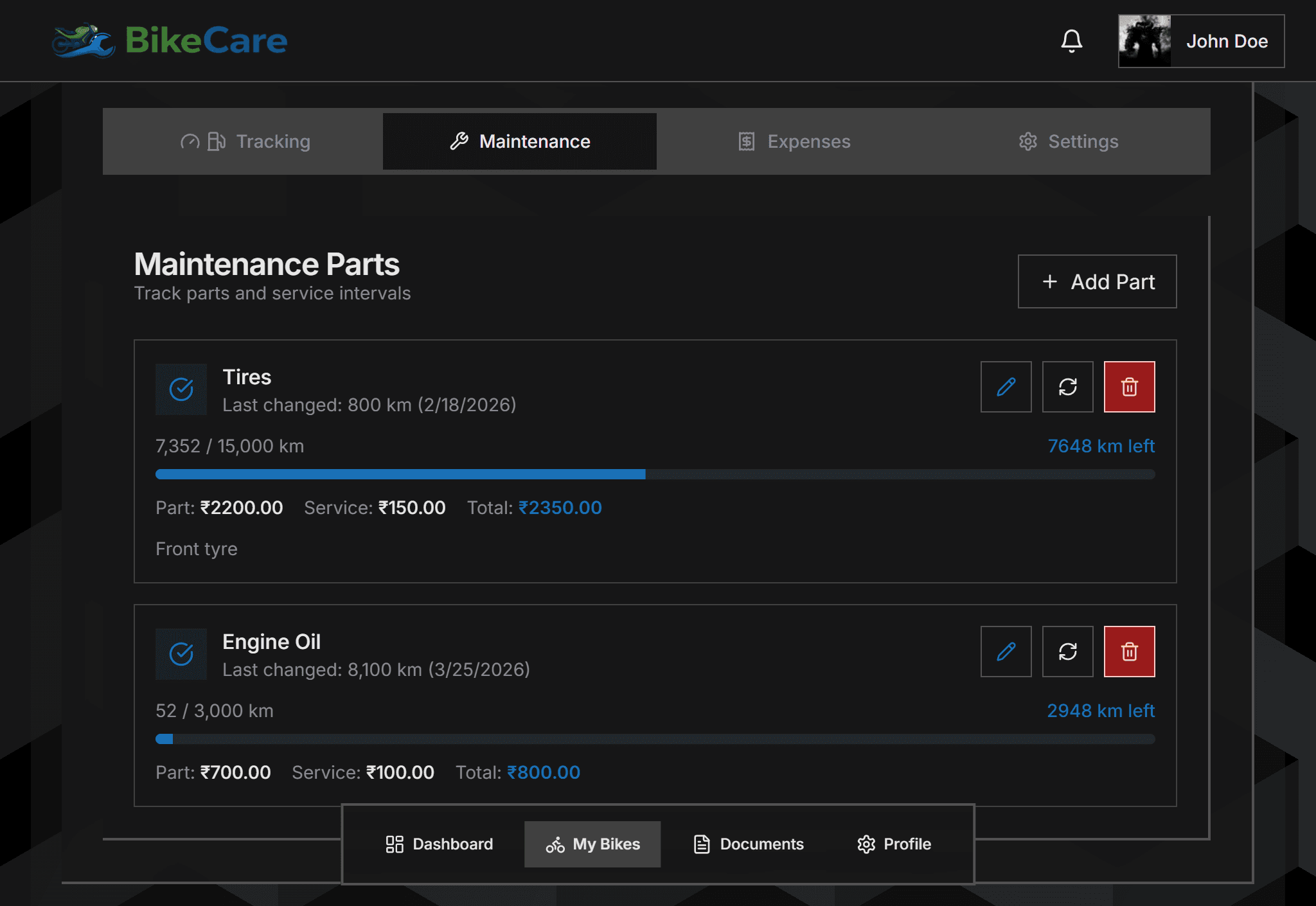
Add parts like engine oil, chain, brake pads, and tyres. Set the km change interval for each — GearLog tracks the rest automatically.
Record your odometer after each fill-up. GearLog calculates distance covered and average mileage per tank over time.

Drag and drop your PUC, insurance, and RC. Set expiry dates and get email reminders 30 days before anything expires.
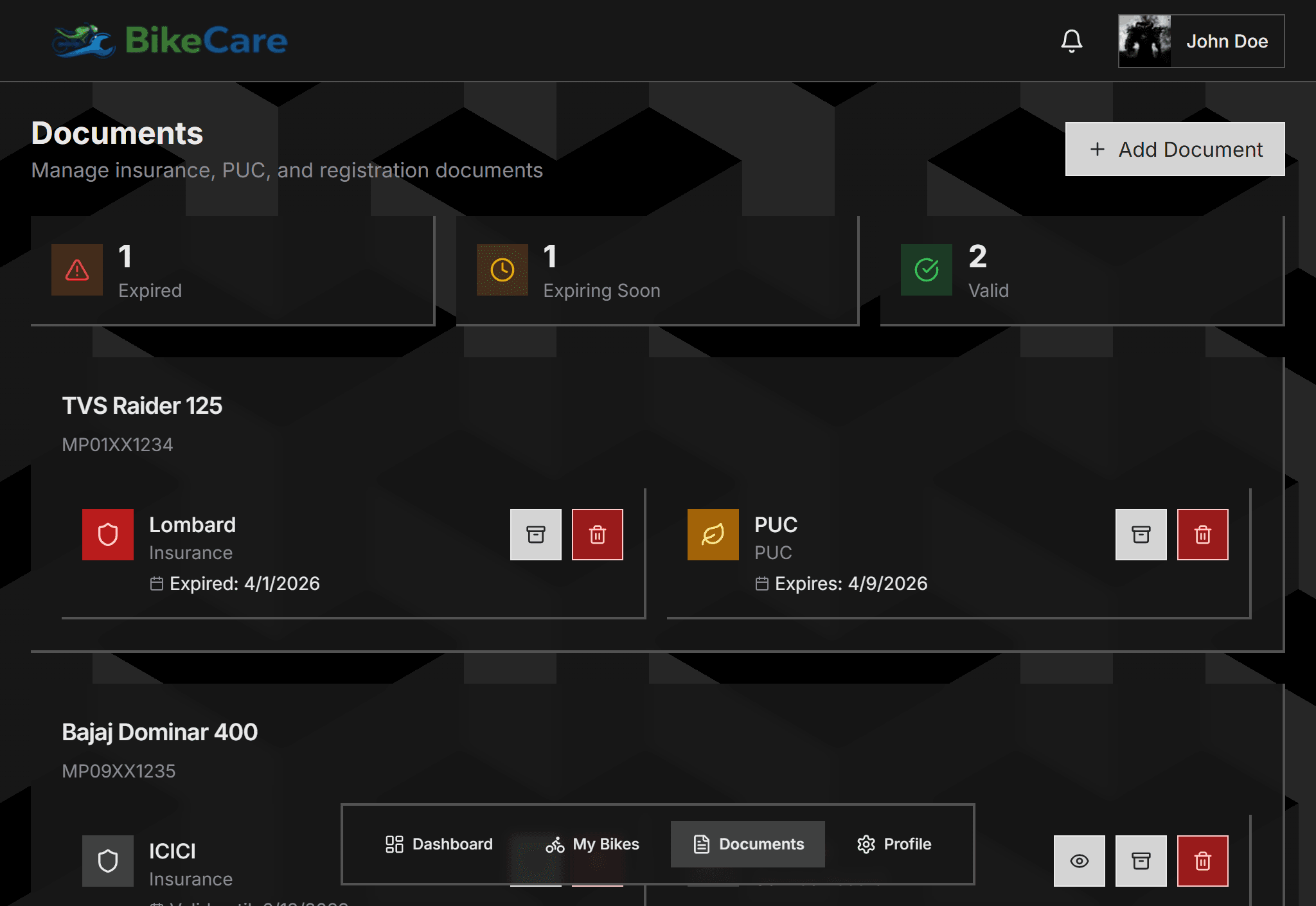
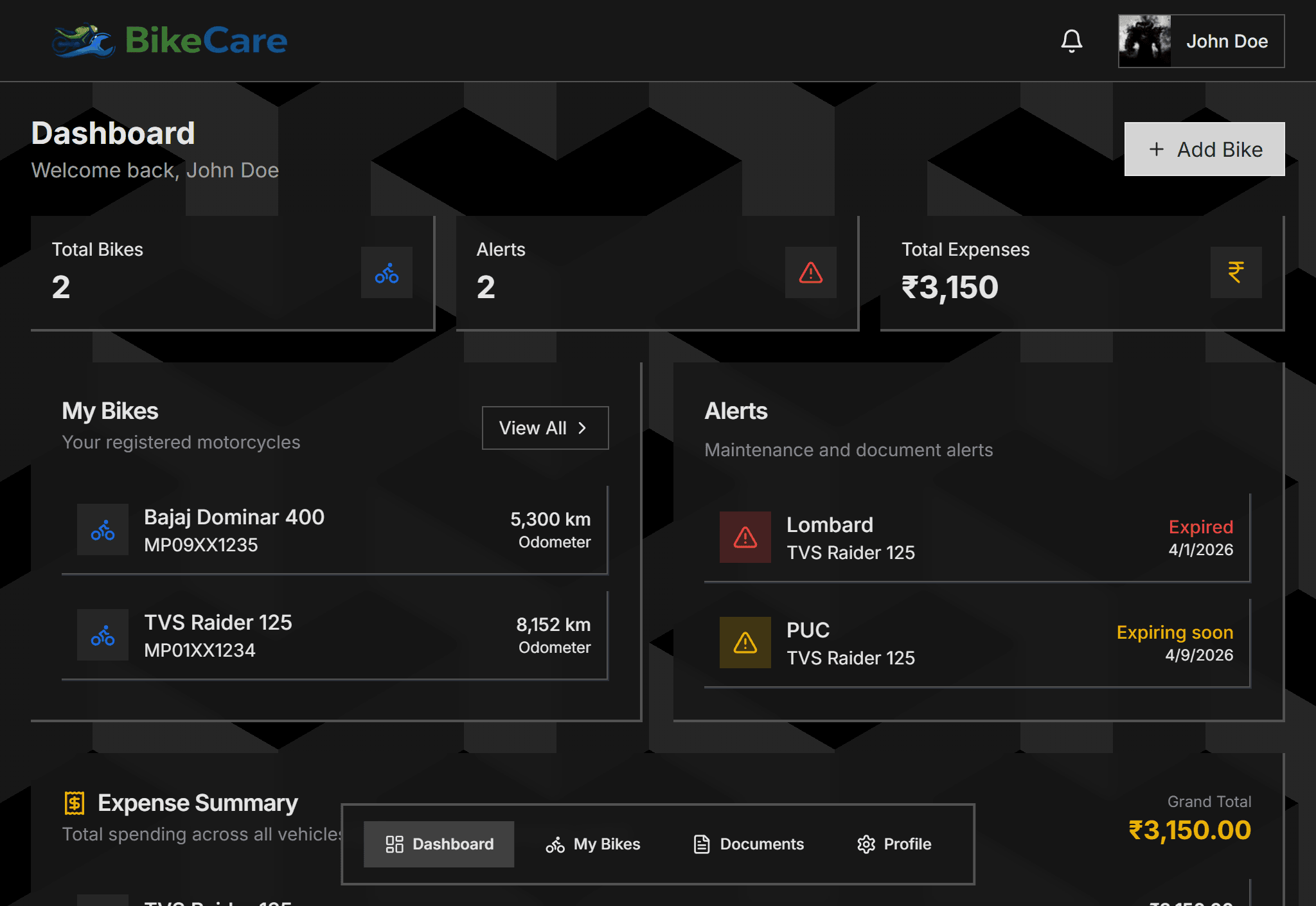
Maintenance and document alerts surface automatically. Total expenses summarized across all bikes. Accessible from any device.
Expand any section for the full picture.
Free to use. Takes under 2 minutes to get started.
Still have questions? Browse the help center or contact us.
Start Tracking Free